AI Checklist for Decluttering: Plan, Sort, and Maintain
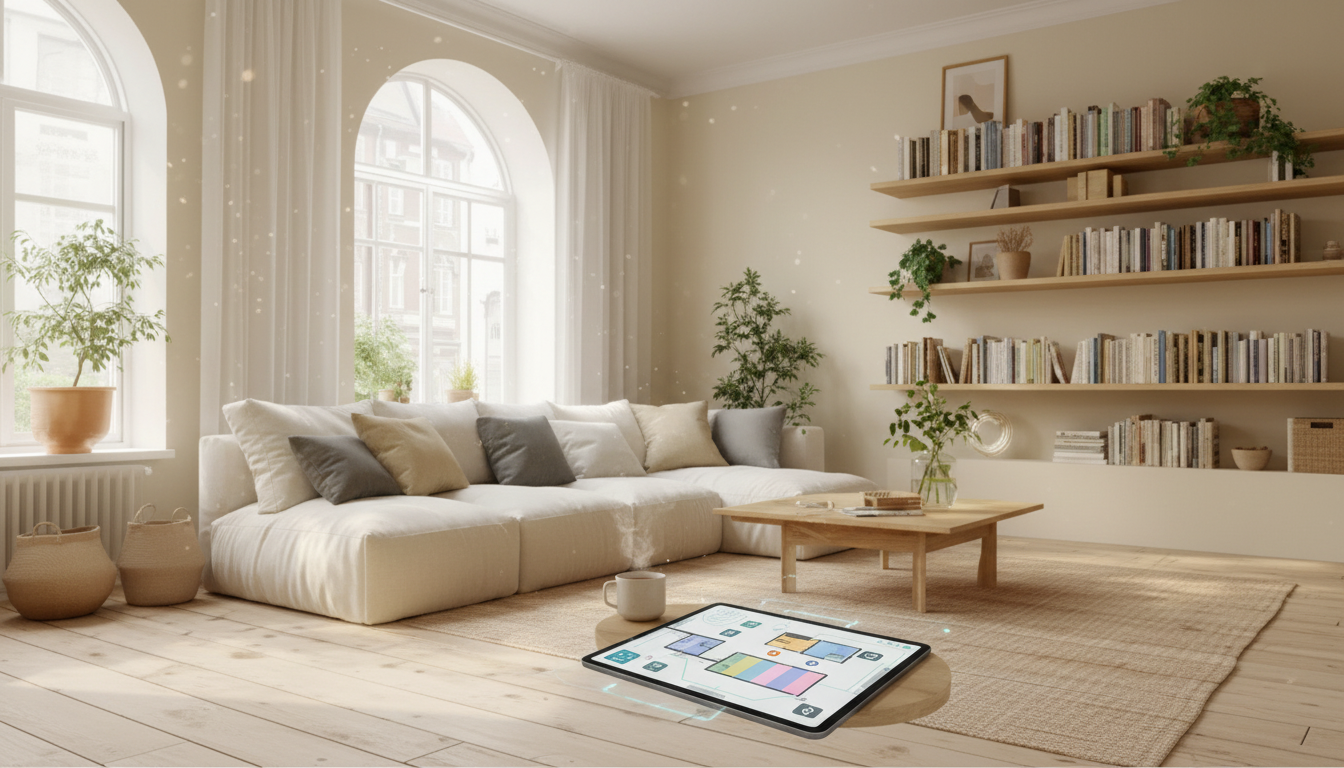
AI-Powered Home Organization Checklist: A Simple System to Declutter, Plan, and Maintain a Tidy Home
A good decluttering plan removes guesswork: what to do first, how long it will take, and what to keep vs. let go. Pairing a clear checklist with AI makes the process faster and more consistent—especially when time, energy, and decision fatigue are real constraints. The goal isn’t a picture-perfect house; it’s a repeatable system that keeps everyday clutter from taking over again.
What “AI-powered” organizing actually means
“AI-powered” organizing works best when AI supports planning, prioritizing, and breaking big tasks into smaller actions—not when it tries to make personal choices for you. Think of AI as a neutral project manager: it can map a sequence, estimate timing, and help you write simple rules that remove debate in the moment.
- Use AI to estimate time per room, create a room-by-room order, generate donation/relocation rules, and draft maintenance routines.
- Keep sensitive details out of chats (addresses, schedules, financial info). Describe categories and constraints instead (e.g., “two kids, one closet, limited shelves”).
What comes with the digital checklist and how to set it up
A digital checklist is most useful when it’s easy to reopen daily and simple to reuse for future “organizing seasons” (spring reset, back-to-school, pre-holiday, moving).
- Download and save a master copy; make a working copy for each season so your original stays clean.
- Choose a home for the checklist: print it, use a notes app, or track it in a spreadsheet—pick the format you’ll actually check.
- Before starting, add three baselines: top problem areas, realistic weekly time, and any hard deadlines (guests, move-out, renovation).
If you want a ready-to-use template that pairs clean checklists with AI-friendly planning, see the AI-Powered Home Organization Checklist (digital download).
A 10-minute AI setup that makes the checklist feel custom
Ten minutes of setup can prevent hours of second-guessing later. Start by defining your real-life constraints, then ask for a phased plan you can follow even on low-energy days.
- Define constraints: home size, number of people/pets, storage limits, and your tolerance for “visual clutter.”
- Ask for phases: (1) quick wins, (2) high-impact zones, (3) long-tail storage improvements, (4) maintenance routines.
- Request decision rules to reduce fatigue (for example: “If it doesn’t fit, isn’t used weekly, and doesn’t have a clear home, it leaves the room today.”).
- Create a “parking lot” list for projects that require purchases or repairs so they don’t stall decluttering.
Room-by-room AI prompt builder (copy/paste friendly)
| Room/Zone | Tell AI this | Ask AI for this output |
|---|---|---|
| Entryway | Space is small; items pile up daily (shoes, bags, mail). Need a 15-minute reset routine. | A 3-step daily reset + a minimal container list + rules for mail handling |
| Kitchen | Counters attract clutter; pantry is overfilled; limited cabinet space. | A zone plan (prep, cooking, coffee) + pantry categories + a discard/donate list by item type |
| Bedroom | Too many clothes; laundry cycles get behind; surfaces collect random items. | A capsule-style sorting sequence + a laundry workflow + a “homes for items” map |
| Bathroom | Duplicates and expired products; under-sink is chaotic. | Expiration-check steps + categories for bins + a replenishment list template |
| Living room | Mixed-use space; kids/pets; cords and remotes everywhere. | A quick declutter script + cord/remote containment ideas + weekly reset routine |
| Home office | Paper clutter; digital files messy; need focus-friendly layout. | A paper triage system + file naming rules + a desk layout that reduces distractions |
A practical decluttering sequence that avoids backtracking
The fastest organizing sessions follow a volume-first sequence. Reducing what you own before you “organize” prevents buying containers that don’t match what remains.
For recycling guidance and common-category ideas, the U.S. Environmental Protection Agency (EPA) Reduce, Reuse, Recycle page is a solid reference point.
How to use AI during the session (without getting stuck in planning)
Decision fatigue is real, and clutter can amplify stress load. The American Psychological Association (APA) overview of stress effects on the body is a helpful reminder to keep the plan realistic and paced.
Smart-home friendly habits that keep clutter from returning
When your home feels lighter, small comfort upgrades can make tidy spaces more enjoyable to maintain—like refreshing a high-traffic area with a Plush Geometric Area Rug after you’ve cleared the floors and simplified furniture placement.
Using the checklist for long-term maintenance
For cleaning and disinfecting basics—especially in kitchens and bathrooms—refer to the CDC guidance on cleaning and disinfecting and adapt it to your routine.
Optional add-ons that support the system
If your declutter includes a home office refresh, clearer audio can help meetings feel more contained (fewer last-minute scrambles for headphones or broken mics). The USB Gaming Microphone with RGB, Mute Button & Gain Control is an example of a single-purpose upgrade that can reduce desk clutter when paired with a dedicated “tech home” (one spot for cables, adapters, and accessories).
FAQ
What should be shared with AI when planning home organization?
Share room types, problem areas, constraints (time, storage limits, household size), and category-level details. Avoid personal identifiers and sensitive information like addresses, schedules, and financial details.
Can AI help decide what to keep and what to donate?
AI can provide decision rules, space limits, and sorting frameworks that reduce fatigue. The final keep/donate decision should align with your needs, safety, and comfort.
How long does a whole-home declutter usually take using a checklist?
It varies by home size and volume, but many households finish in 2–8 weeks using phased weekly sprints. Start with high-impact zones first (entry, kitchen, living room) and let deeper storage follow once daily spaces are stable.












Leave a comment